Published: Nov 3, 2026
A step-by-step ergonomic home office workstation (even in a small apartment)
I can help you set up an ergonomic workstation at home in a single evening, without renovations or spending a fortune. I've been working with people on their desk setups for years, and I know one thing: in a home office, ergonomics is usually worse than in an office, and you move less. This combination causes tension in your neck and back to build up faster than you'd expect. In this guide, we'll go step-by-step through what really makes a difference, using items you already have on hand.

Paweł Wieczorek · 5 min read
Why home is tougher terrain than the office
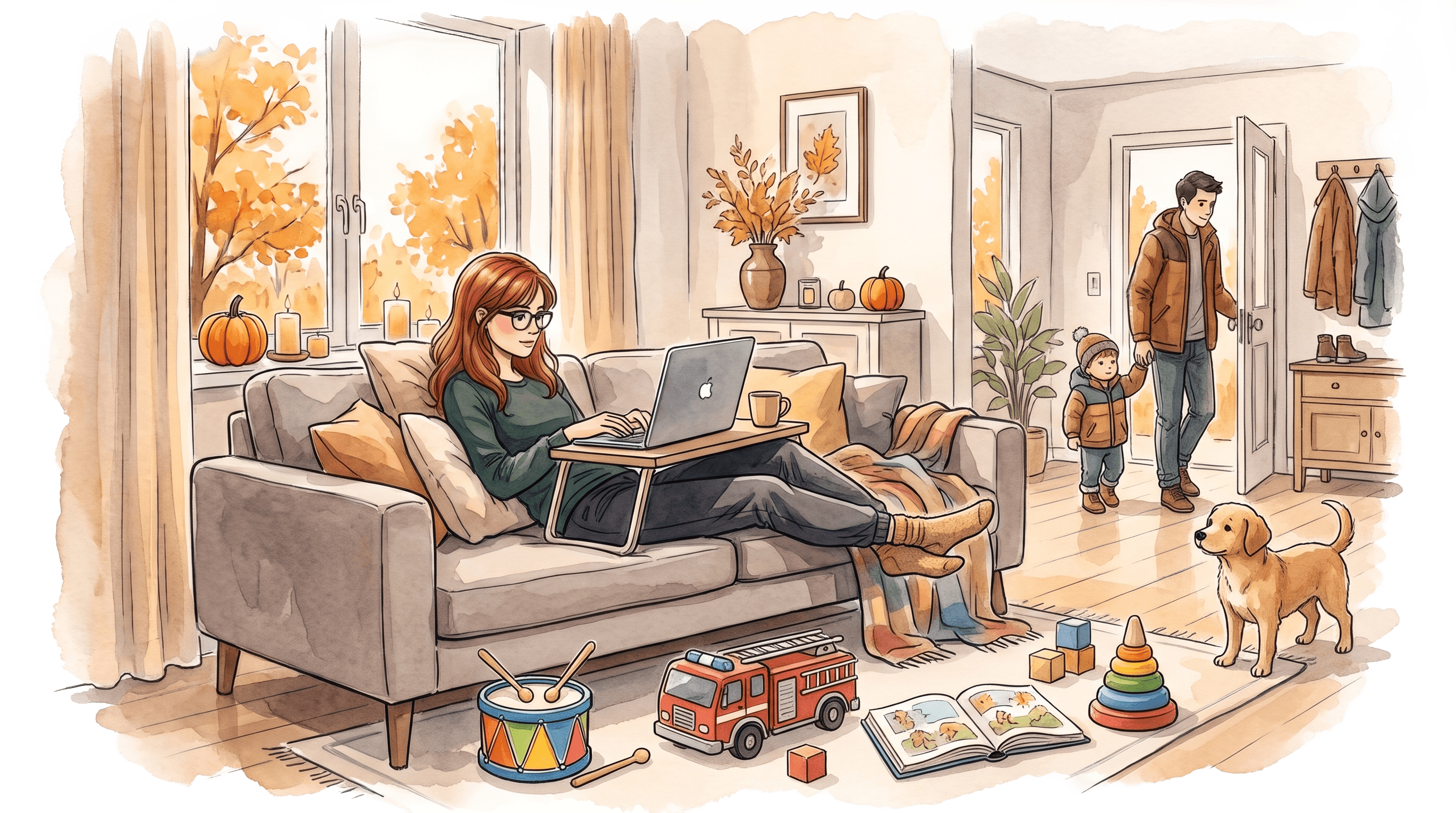
At the office, someone chose your desk, chair, and monitor for you. At home, you're left with whatever is available: a kitchen counter, a couch, a laptop on your lap. A review of pandemic-era studies showed that musculoskeletal disorders were common among people working from home, with the highest reported rates affecting the neck (20.3 to 76.9 percent), lower back (19.5 to 74.1 percent), and shoulders (3.0 to 72.9 percent).
This isn't a life sentence; it's a sign that your setup matters.
The second problem is quieter. A systematic review of 25 studies on remote work pointed to "strong evidence of worse workstation ergonomics at home compared to the office." What's more, working from home shortens breaks and reduces the small movements you naturally make in the office, like walking to the printer or a conference room. Less ergonomics and less movement all at once—that's why micromovement becomes even more important here.
Ergonomic minimum on a budget
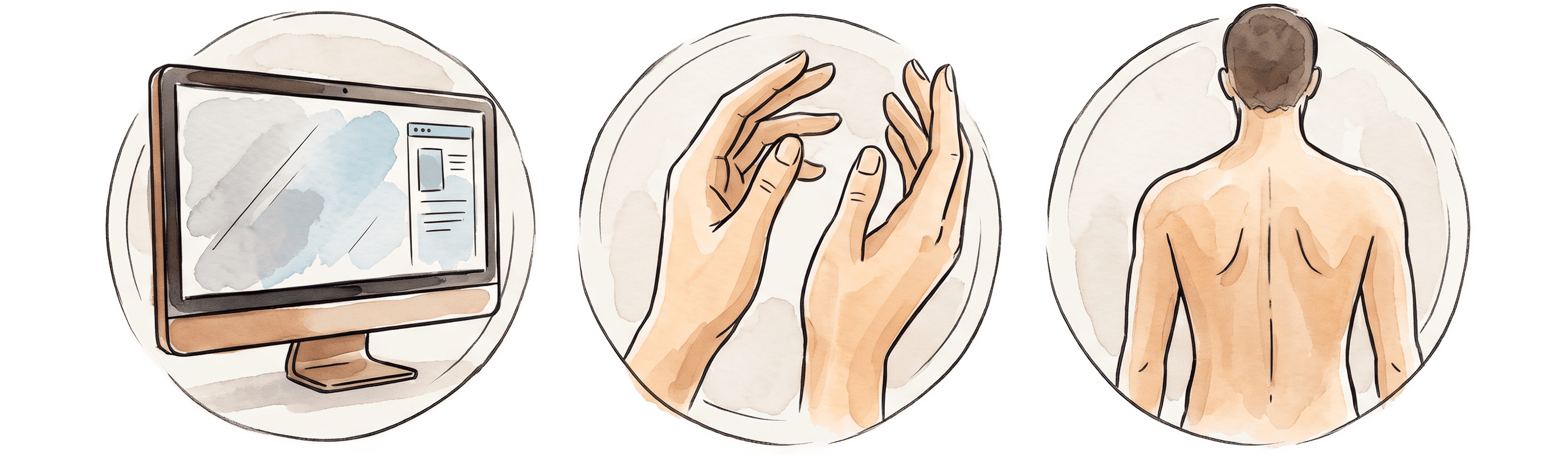
The good news: you'll achieve the biggest leap in comfort with the cheapest means. You don't need a chair that costs thousands of zlotys. You need three things set up correctly: your screen, hands, and back.

Raise the screen, separate the keyboard
Working solely on a laptop forces a choice: either your screen is positioned well, or your hands are, never both at once. CIOP-PIB puts it bluntly: "Prolonged work on a laptop requires placing it on a stand that allows the screen to be raised and connecting an external keyboard." The institute also notes that you shouldn't work on a small laptop for more than four hours during a workday.
This is where household ingenuity comes in. A stack of books or a shoebox will raise the laptop so that its top edge is roughly at eye level. OSHA recommends that the top of the screen be at or slightly below eye level, and the distance from the screen be between 50 and 100 centimeters. Add an inexpensive external keyboard and mouse, which you can buy for a few dozen zlotys, and suddenly your neck stops slumping forward.

Position your hands: elbows and wrists
Once the screen is high enough, look down at your hands. OSHA provides a simple rule: elbows should be roughly at keyboard level and hang freely at the sides of the body, while wrists should remain straight, in line with the forearms. If the desk surface is too high, raise yourself rather than the desk: a cushion on the chair will do the trick.

Support your back and feet
A chair from home rarely has proper lumbar support. OSHA suggests a solution that costs zero zlotys: "If your chair doesn't have lumbar support, use a rolled-up towel or a removable pillow to temporarily support and maintain the natural curve of your spine." Tuck a rolled-up towel into the hollow of your back, at waist level, and you'll feel the difference after a minute.
Finally, the feet. OSHA points out that feet should rest flat on the floor or on a footrest. If your legs are dangling after raising yourself with a cushion, place a thick binder or a shipping box under them. The goal is simple: you aren't hanging by your hips; you have stable support.

Movement is part of ergonomics, not an add-on
The best-adjusted desk won't save you if you sit at it for six hours without moving. A static posture strains the back muscles by itself, no matter how straight you sit. Research on active breaks has shown that short breaks roughly every 30 minutes, lasting about two minutes, reduce the strain and muscle fatigue caused by static sitting.
This aligns with CIOP-PIB recommendations for remote work: short breaks once an hour to stand up and stretch. At home, no one will prompt you to do this, because there's no coworker suggesting coffee or a meeting in another room. You have to set the boundary yourself. Stand up, pour a glass of water, do a few bends, look out the window into the distance. Two minutes every half hour is enough to interrupt the strain.
This is precisely where FIXme helps. Instead of relying on your memory, you get a gentle nudge and a short active break session tailored to what you're currently doing at your desk. It's micromovement woven into your day, not just another task to check off.
Boundaries, or where work ends
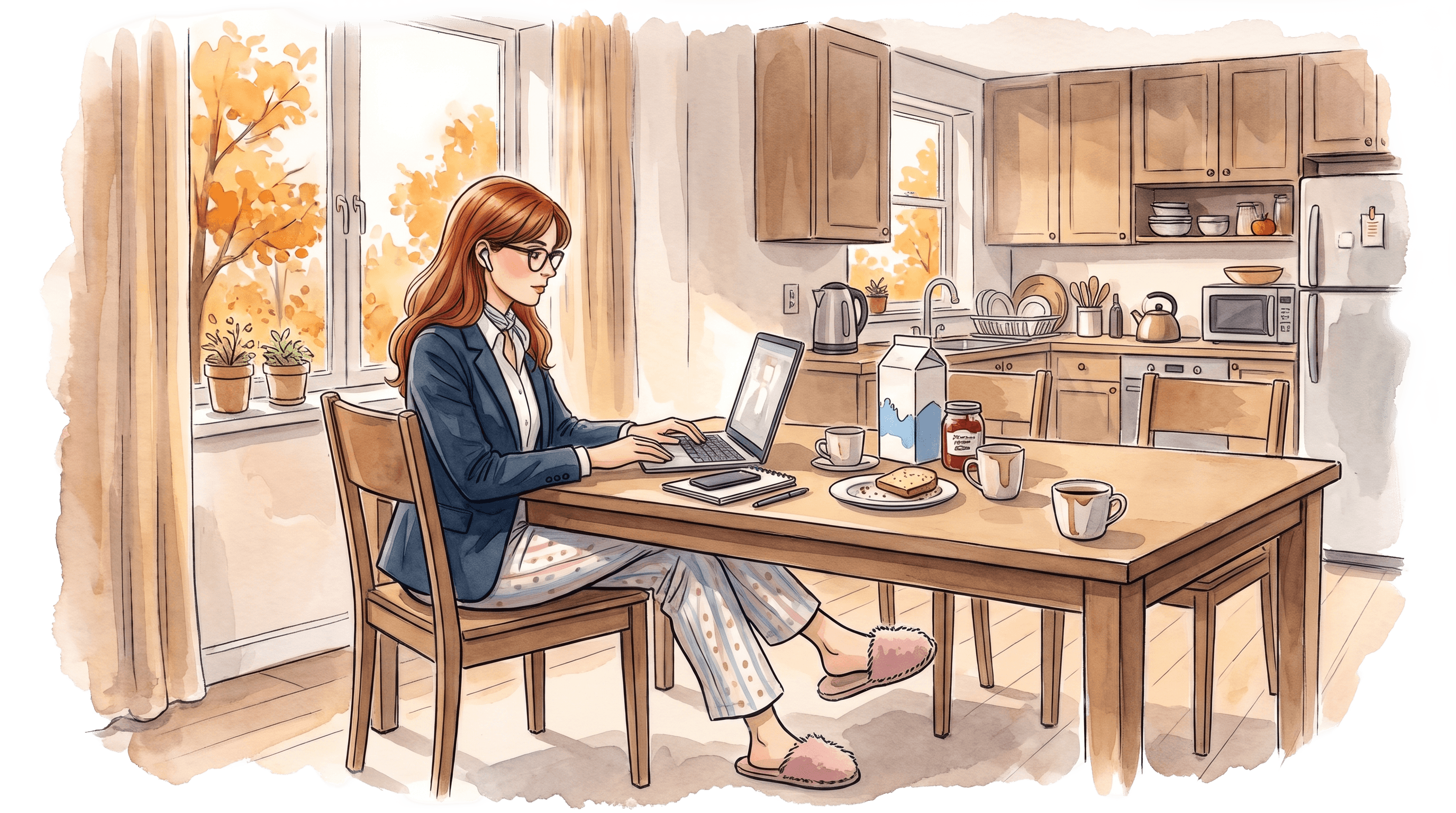
Remote work has one sneaky feature: it blurs the line between the office and home. It's easy to sit at the laptop until late because there is no commute to bookend the day. CIOP-PIB advises designating a work zone at home, which doesn't have to be a separate room, and eating meals somewhere other than at your desk. The point is for your body to know when it is working and when it is resting.
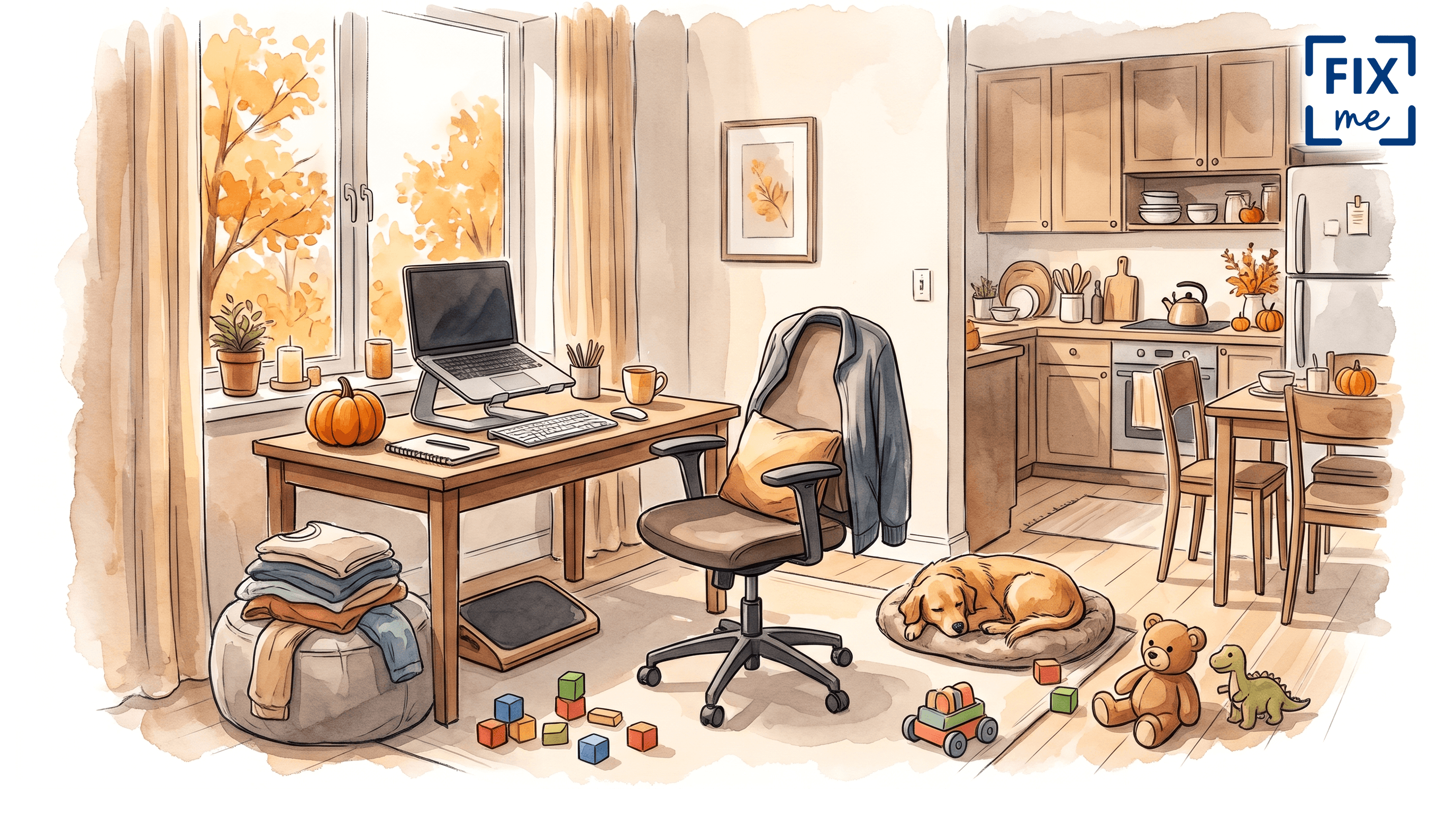
My own home hack: when work is done, I tuck the external keyboard into a drawer and take the laptop off the books. The kitchen table becomes a table again. This small ritual wraps up the day more effectively than any app.

FAQ
- Can you set up an ergonomic workstation at home in a small apartment?
Yes. You don't need a separate room or a large desk. A corner of a table, an elevated screen, an external keyboard and mouse, and something to support your back are enough. CIOP-PIB confirms that a work zone does not have to be a separate room.
- How much does an ergonomic minimum cost?
As cheaply as possible. You can replace a laptop stand with a stack of books, lumbar support with a rolled-up towel, and a footrest with a cardboard box. The only real expense is an external keyboard and mouse, which usually costs a few dozen zlotys.
- How often should you take breaks while working remotely?
Research on static sitting points to short breaks roughly every 30 minutes, lasting about two minutes. CIOP-PIB recommends at least standing up and stretching once an hour. At home, where there is less movement, these breaks are especially important.
- Can I work all day on just a laptop?
Better not to. CIOP-PIB points out that you shouldn't work on a small laptop for more than four hours a day, because it forces you to bend your head forward. A stand and an external keyboard eliminate this compromise.
See FIXme in action
Want active breaks to happen on their own, without watching the clock? Sign up and see how FIXme weaves micromovement into your work-from-home day.
Learn more
Discover more from the latest posts.